
Batch it. Schedule it.
Ship it.
Built for the shop floor — not a spreadsheet that lies about due dates.
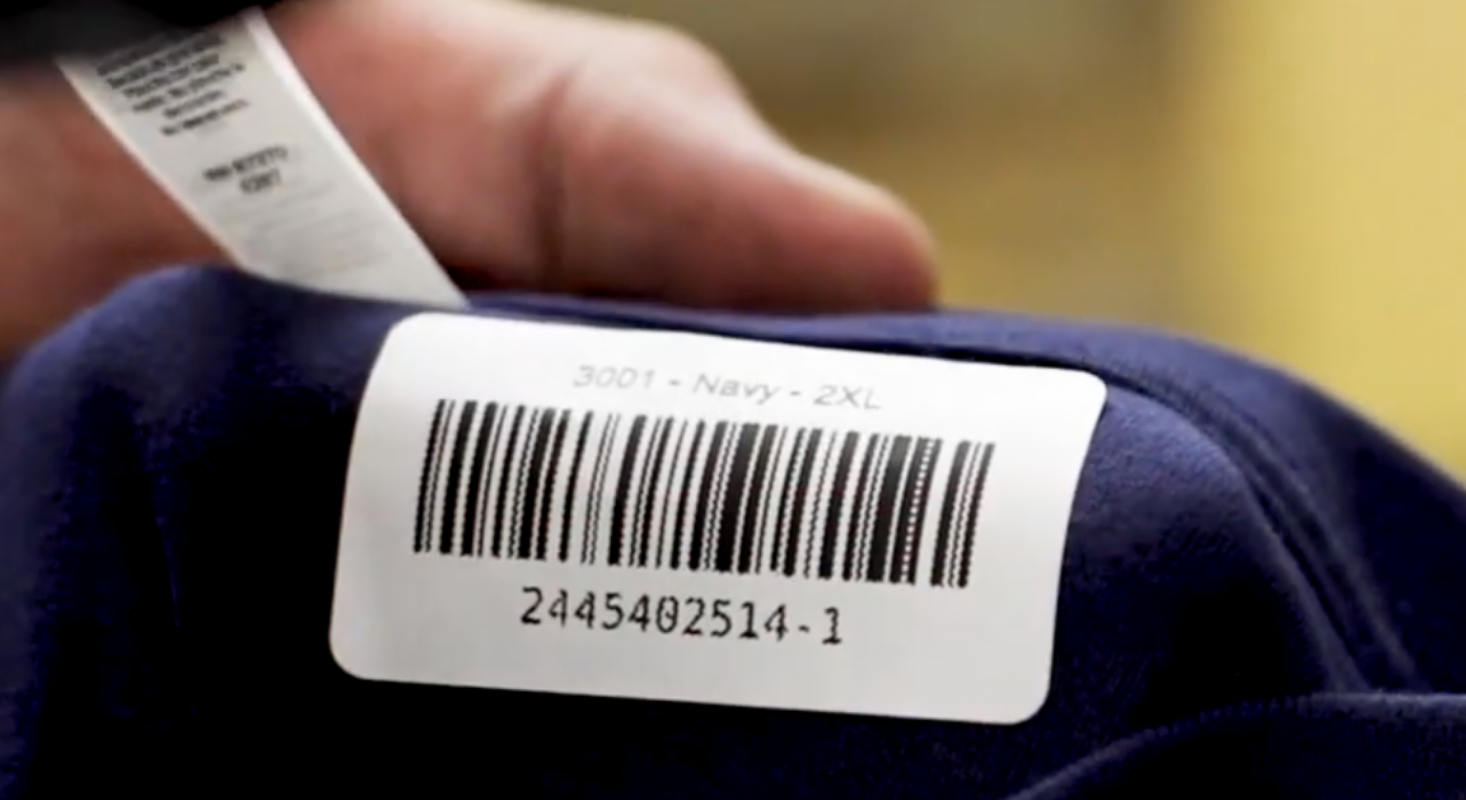
Queue it, batch it, scan it, ship it.
Orders queue up
Draft, late, unsynced, and manual orders land in one central queue.
Batch the work
Batch by item or order; rules auto-build batches on a schedule.
Scan and QC
Barcode/QR scanning and a QC pass/fail check before anything ships.
Bin and ship
Bins hold location and files; then labels, split shipments, and pickup.
Shop-floor tools that replace the spreadsheet.
Plan and batch
- Central order queue (draft, late, unsynced, manual)
- Batch by item or by order; rules that auto-build batches on a schedule
- Production calendar with capacity and at-risk / late flagging
- Work orders, pick lists, and job sheets with mockups, sizes, and QR codes
Track and ship
- Barcode / QR scanning for floor tracking
- Bins & image bins for physical location and processed print files
- QC queue with pass/fail review before shipping
- Shipping labels, split shipments, and ready-for-pickup
Questions, answered.
How does batching work?
Batch by item or by order manually, or set rules that auto-build batches on a schedule to keep the floor moving.
Can I track items on the floor?
Barcode and QR scanning track each item through production, with bins holding physical location and processed print files.
Does it catch mistakes?
Yes — items scan into a QC queue where your team marks pass or fail before shipping. Failed pieces land in a dedicated queue so nothing slips out the door.
What about printing?
Desktop print apps (Hot Folder, DTF, Sublimation, Brother, Direct Print) connect the floor to your machines.