task
Produce a stock order
Last updated October 23, 2026
Stock types: Pre printed retail (owner House) and seller pre printed (owner a seller). A stock order is a production job that lands on a shelf. It is not a customer order. There is no shipping label at the end.
How to place it: house or for a seller. This article is the floor after Place stock order.
A customer order that mixes a print line with something already on the shelf is a different job. See Produce an order with print and stocked items.
What you just created
After Place stock order Riverr opens the new order. There is no customer and no ship to address. The owner, House or a seller, was chosen when you placed it and is never guessed later.
Each line is already holding its blanks. The units still have to be printed.
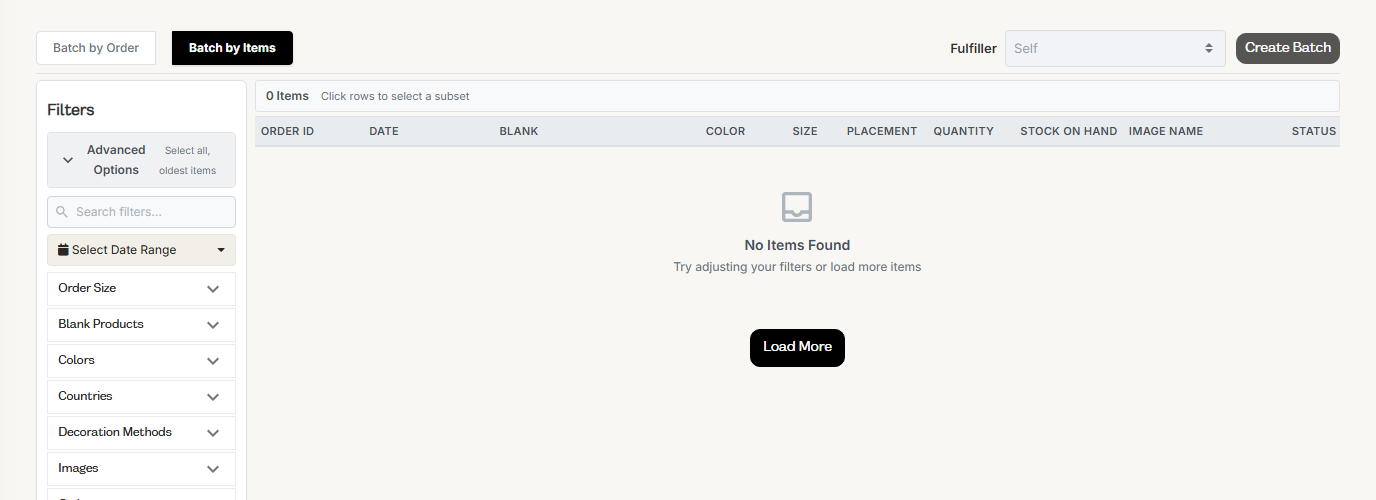
Batch it like any print job
- Open Manufacturing → Items.
- Batch the stock order lines the way you batch any print work.
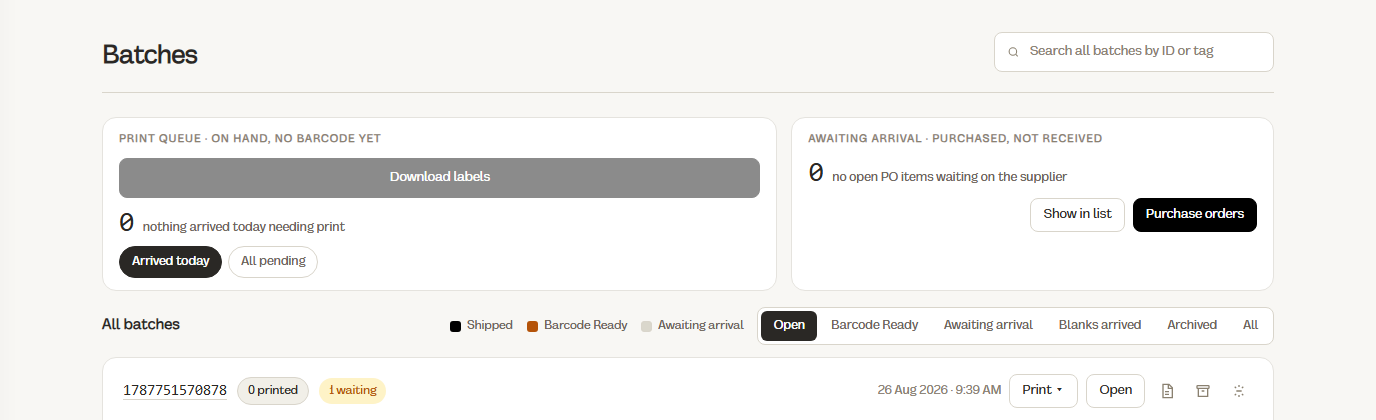
- Open Manufacturing → Batches and run the batch.
Creating the batch takes the blanks off your shelf at the batch's location, as many as are on hand, up to each line. If a line for 50 finds 30, it takes 30 and the other 20 are still needed, just like a customer order. Batch item details shows 30 from stock, 20 printing from new stock.
The press uses house blanks only. Seller stock and house retail are never pulled in as raw material.

Print and QC
Work the batch through print and QC as usual. Failed units go to Manufacturing → QC Failed Items like any job. They do not go to the shelf.
Place in warehouse, not Ship Now
When the order is ready, the button that would say Ship Now says Place in warehouse. On the bin dialog it reads PLACE IN WAREHOUSE (Place in warehouse + Bin …).
Nothing leaves the building.
That click opens the Place in warehouse dialog:
- Warehouse: it starts on the warehouse at the order's location. Change it if the units are going somewhere else.
- Made: one row per item, next to Ordered. Lower it if fewer good units came off the press. Anything you leave out is not added to stock.
- Click Put away with the total.
Riverr confirms Putaway opened for house stock (or the seller's name) with the number of units, and takes you to Inventory → Tasks.

Put it away
The putaway expects the quantity you entered as made. Put it on the right owner's slot:
| Stock order owner | Slot | See it on |
|---|---|---|
| House | A house slot | Inventory → Stock → House retail |
| A seller | That seller's slot | 3PL → Retail stock and Inventory → Stock → Seller |
A slot holds one owner. Mixed owners are refused.
If you find fewer units at the shelf than you entered, place what you have, then choose Keep the rest open or pick a variance reason.
If the item is not tracked by bin, its count goes up when the putaway opens, and placing the units records where they sit. If it is tracked by bin, the count goes up as you place them.
From here the units are finished goods. They leave when a customer order for them is batched and the floor picks them. They never go back into a batch as blanks.
If putaway will not open
| What you see | Fix |
|---|---|
| No warehouse yet | Set up slots under Settings → Inventory → Warehouse |
| No SKUs on this build to put away | Give the products SKUs, then click Place in warehouse again |
| Seller owner, product not stored for them | The product must be stored for that seller first. The stock order could not have been placed without it |
Looking for Hold as stock on the batch menu? That path is gone. Place in warehouse is the step.